Brand kit
Logos, colours, type, art and social templates for Nullgate Studios, and how to use them.
Logo
Mark
-
Amber
-
White
-

Black


Lockup
-
Amber and white
-
White
-

Black
Lockup with tagline
-
Amber and white
-
White
-

Black
Logo use
Clear space
Keep empty space around the mark at least half the mark's width on every side. The same applies to the lockups, measured from the mark.
Minimum size
The mark: at least 24 px tall on screen or 8 mm in print. The lockup: at least 160 px wide on screen or 40 mm in print. Smaller than that, use the mark on its own.
Do and don't
-
Do: Use the mark as supplied, on a plain dark or light background.
-
Don't: Stretch or squash it.
-
Don't: Recolour it outside the brand colours.
-
Don't: Add shadows, glows or outlines.
-
Don't: Rotate it.
-
Don't: Place it on a busy or low-contrast background.
Colour
The site is dark by default and switches to the light palette when a visitor's device is set to light mode. Every text colour meets WCAG AAA contrast (7:1 or more).
Dark (default)
- Background Page background #0E0F12 · RGB 14, 15, 18
- Panel Raised surfaces #17191E · RGB 23, 25, 30
- Heading Headings, 16.7:1 #F3EFE7 · RGB 243, 239, 231
- Text Body text, 12.7:1 #D6D2CA · RGB 214, 210, 202
- Amber Primary accent, links and buttons, 10.9:1 #FFB547 · RGB 255, 181, 71
- Steel Secondary accent and tags, 9.8:1 #A8BCCF · RGB 168, 188, 207
Light
- Background Page background #F4F3F0 · RGB 244, 243, 240
- Heading Headings, 16.9:1 #14120E · RGB 20, 18, 14
- Text Body text, 13.4:1 #2A2722 · RGB 42, 39, 34
- Amber Primary accent on light, 8.4:1 #6B3B00 · RGB 107, 59, 0
- Steel Secondary accent on light, 8.5:1 #34485C · RGB 52, 72, 92
Typography
-
Orbitron
The wordmark, headings and short labels. Keep it to a few words at a time.
Orbitron on Google Fonts -
Roboto Condensed
Body text, labels, numbers and everything longer than a heading.
Roboto Condensed on Google Fonts
| Use | Font | Weight | Style |
|---|---|---|---|
| Headings and titles | Orbitron | Bold (700) | Sentence case |
| Wordmark | Orbitron | Bold (700) | Capitals, wide letter spacing |
| Body text | Roboto Condensed | Regular (400) | Sentence case |
| Labels and the tagline | Roboto Condensed | Bold (700) | Capitals, wide letter spacing |
| Numbers, dates and versions | Roboto Condensed | Regular or Bold | Orbitron's 7 and 0 are hard to read |
| Labels inside key art | Consolas (monospace) | Regular | Capitals, letter spaced |
Both fonts are free to use under the SIL Open Font License.
Key art
Every project gets one piece of key art in the same style, so they read as a set.

What's in every piece
- Deep space. A near-black backdrop with faint warm and cool dust and a starfield.
- A black hole. A black event horizon, a white-gold ring of light around it and an amber disk.
- One instrument. A thin-line display that shows what the project does, like a radar for Maps or a cargo grid for Bags.
- A HUD frame. Corner ticks, a range scale along the bottom and a designation in the top left.
Rules
- Released mods are numbered in order: NG-01, NG-02 and so on. Games that haven't been announced use a codename, like PROJECT EVENTIDE, until they are.
- Draw with thin lines. No neon, no grid floors and no glowing icons.
- Amber marks what matters, like a target or a ready state. Steel is for everything else. Red is only for alerts.
- Art is 16:9 at 1600 × 900. Keep important detail away from the edges so it survives cropping.
- Labels inside the art are short, in capitals and in a monospace font.
- The art is drawn as vector graphics, not generated images.
Art colours
These are for the art only. For text, use the colours above.
- Amber What matters: targets, ready states, the disk #FFB547 · RGB 255, 181, 71
- Hot The hottest part of the disk and the photon ring #FFE2A8 · RGB 255, 226, 168
- Steel Instrument lines, frames and labels #A8BCCF · RGB 168, 188, 207
- Dim steel Secondary lines and terrain #5D6875 · RGB 93, 104, 117
- Alert red Alerts only, used sparingly #FF5A4A · RGB 255, 90, 74
Social
Ready-sized images for profiles and posts. The banners carry the handle @nullgatestudios.
Profiles
-
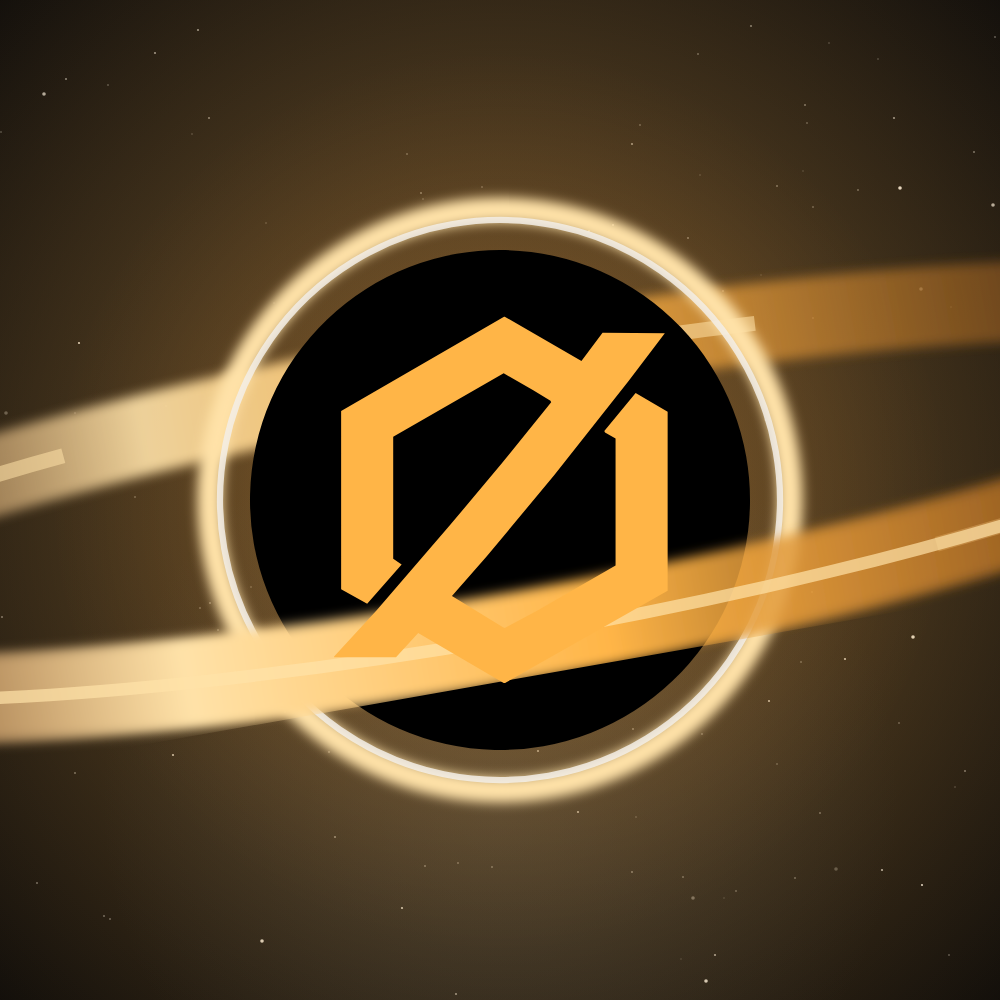
Avatar
Discord, X, Bluesky, YouTube and GitHub. Safe to crop to a circle.
-
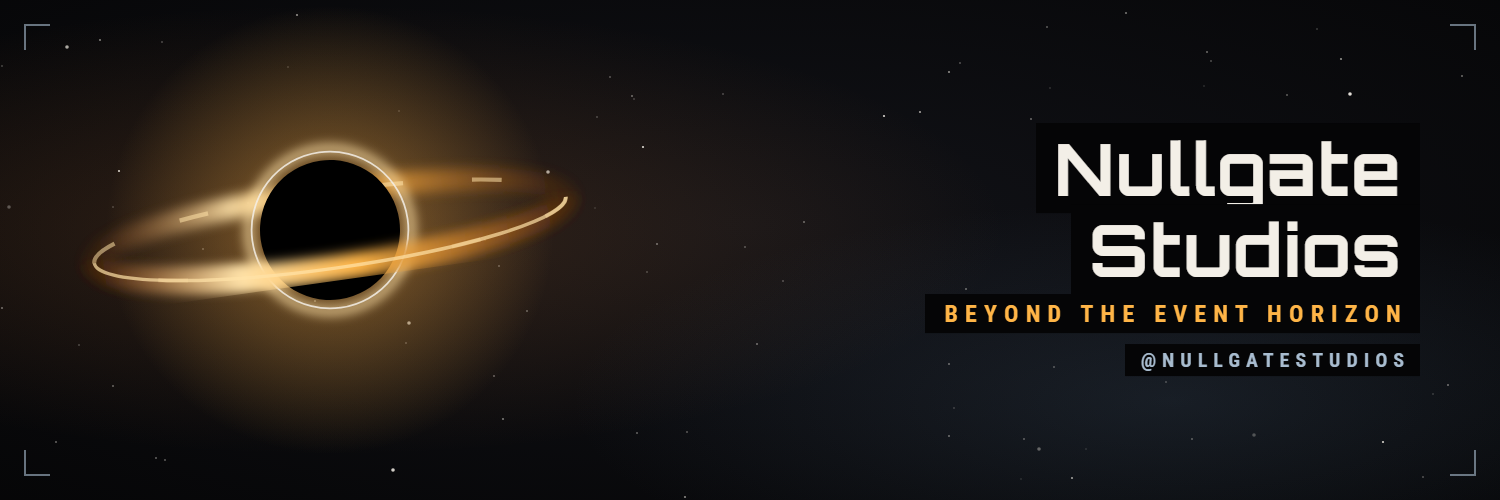
X header
Text sits right, clear of the profile picture.
-
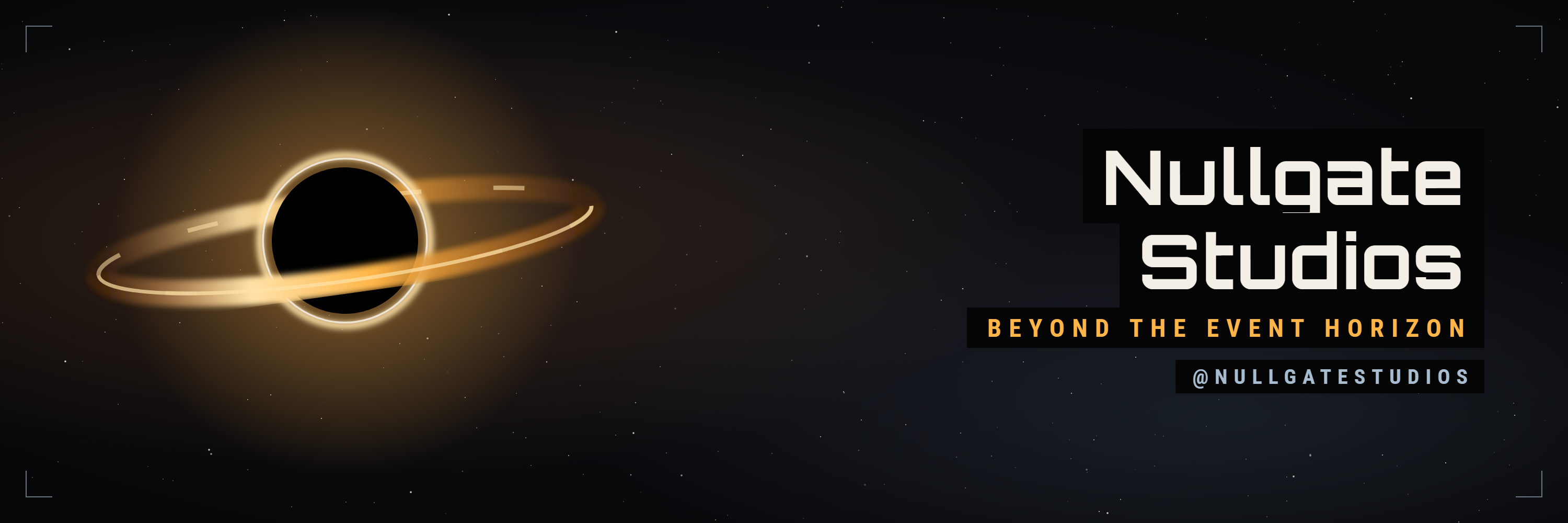
Bluesky banner
Same layout as the X header.
-
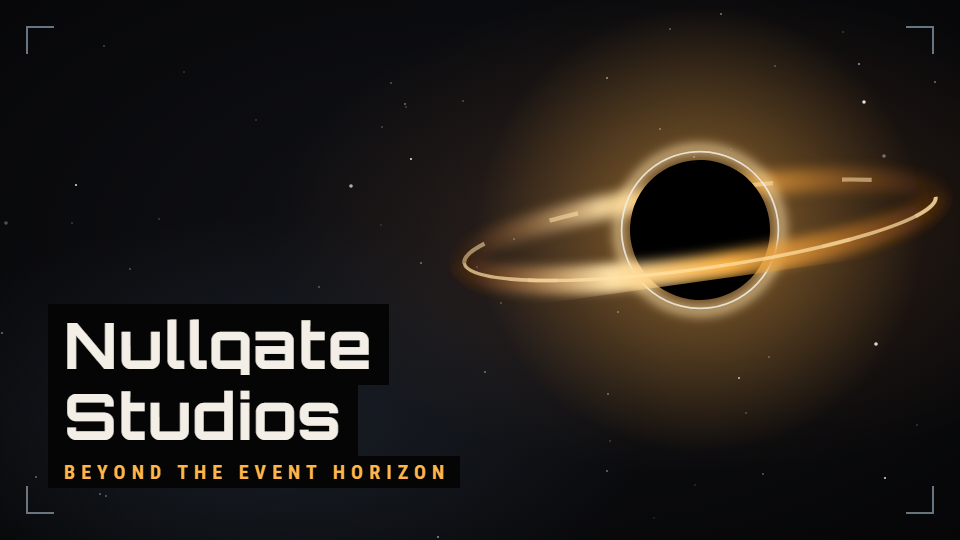
Discord server banner
Server banner.
-
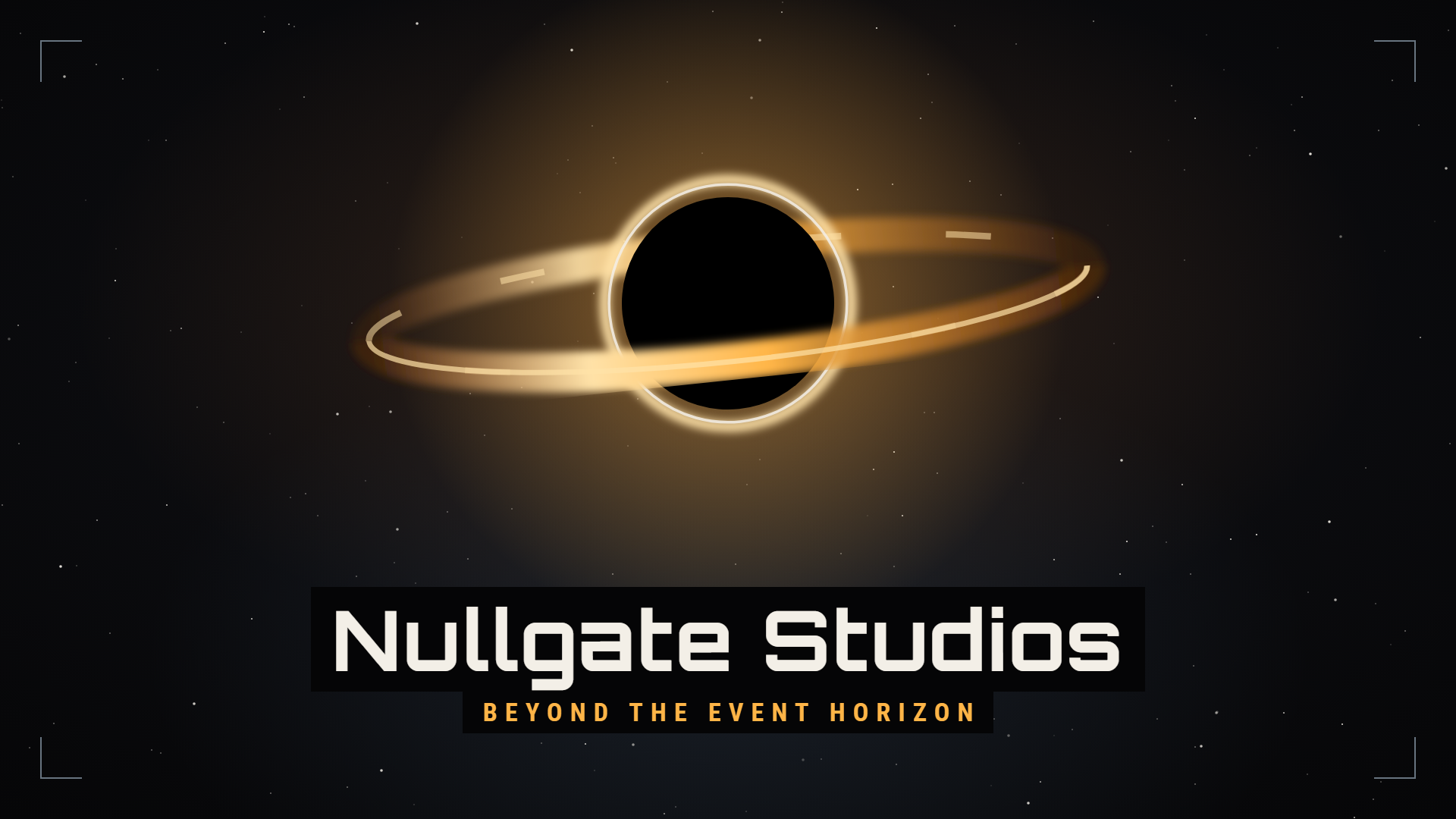
Discord invite splash
Background of the server invite page.
-
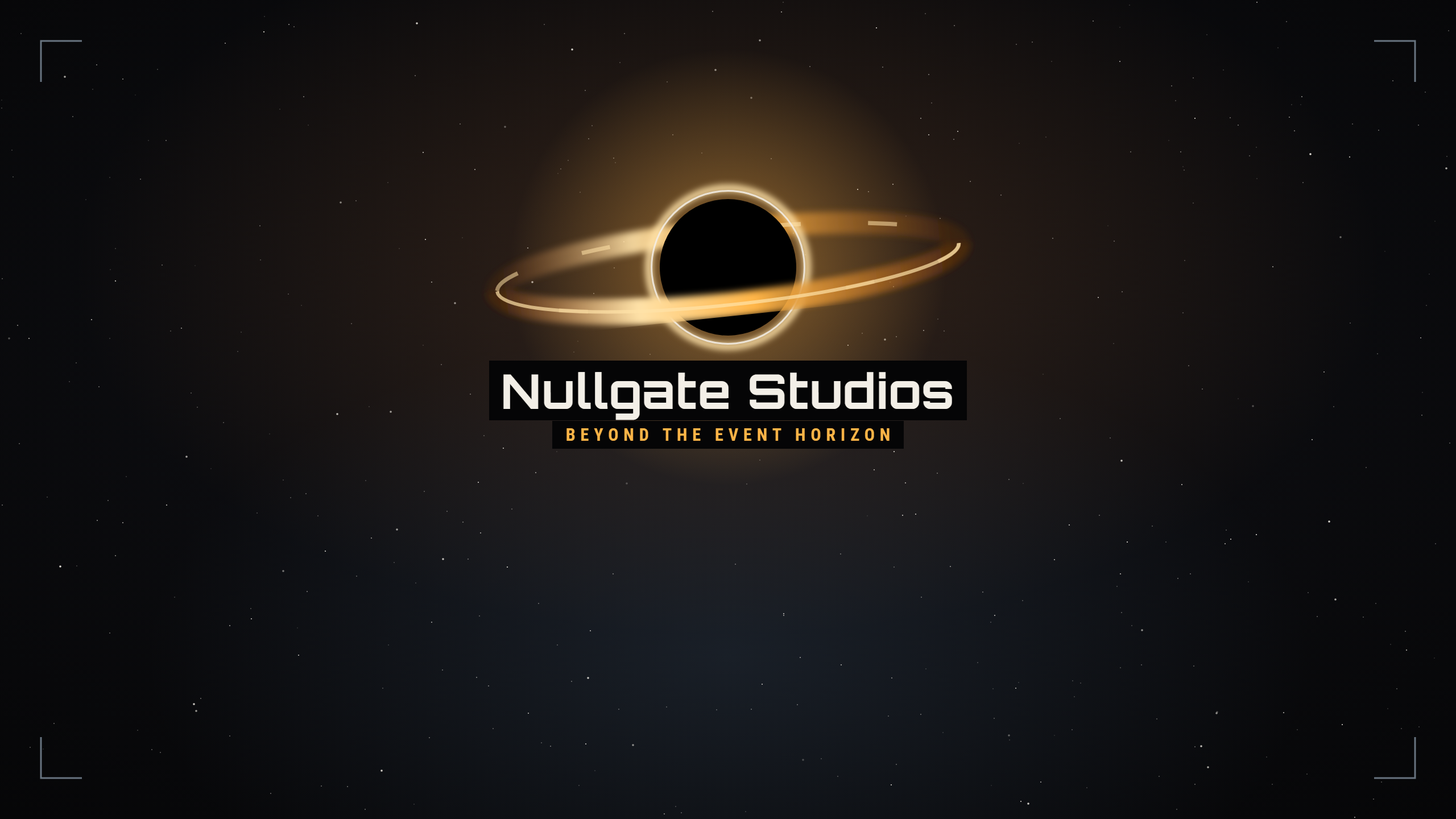
YouTube banner
Name and tagline sit inside the area every device shows.
-
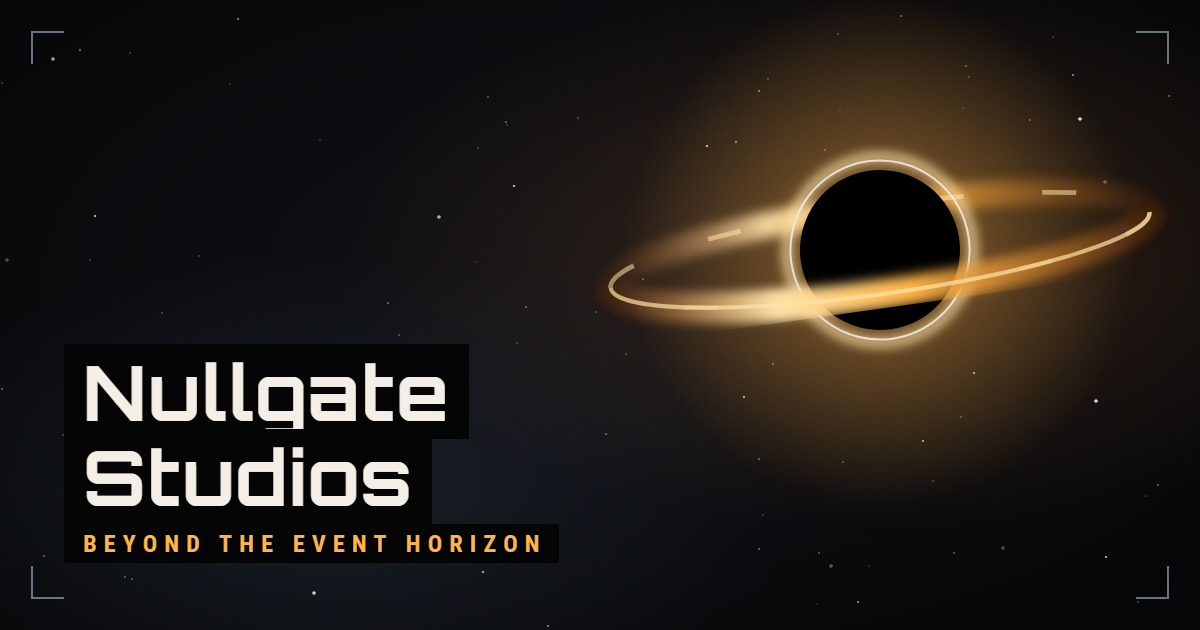
Link preview card
Shown when the website is shared.
Blank backgrounds
For thumbnails and posts. Add text in solid dark blocks, like the banners above.
-
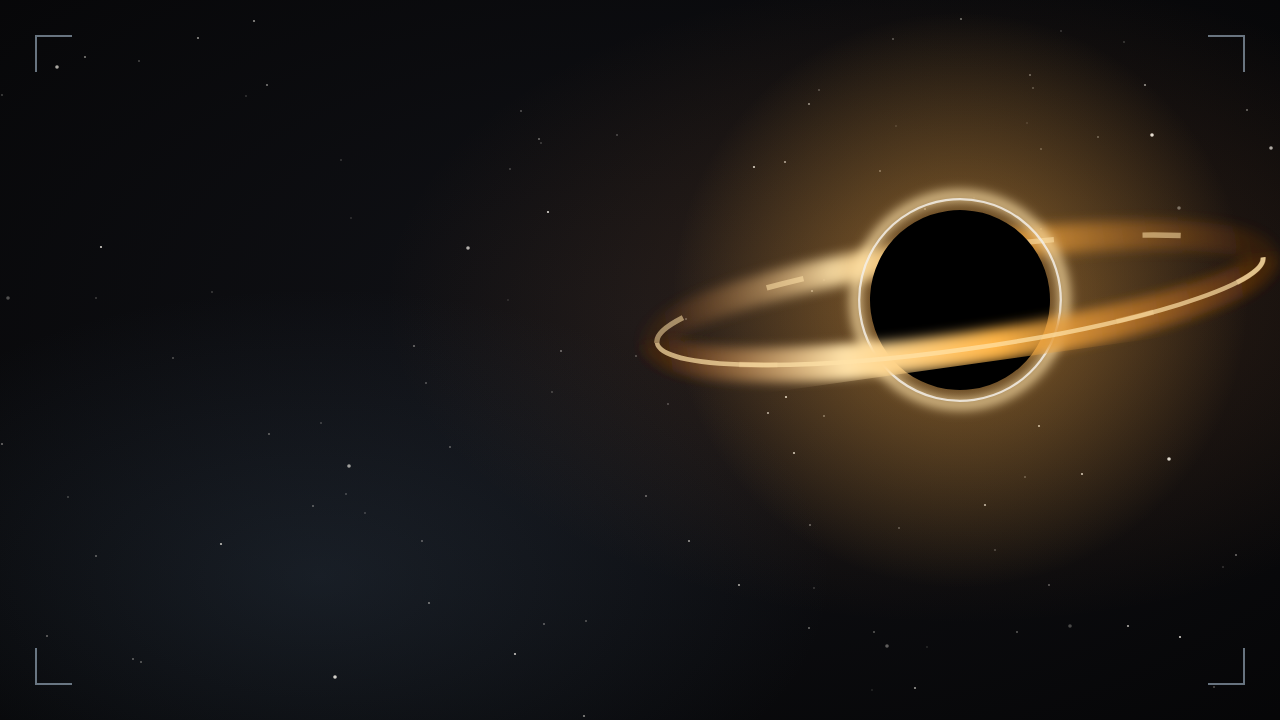
Video thumbnail
-
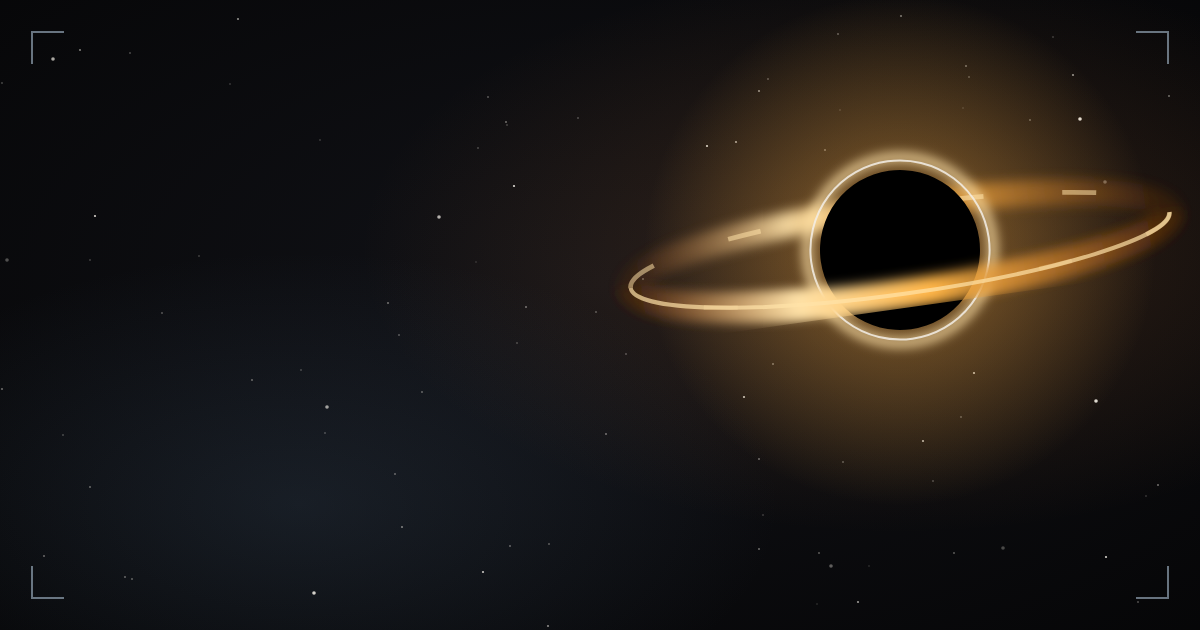
Post or card
-
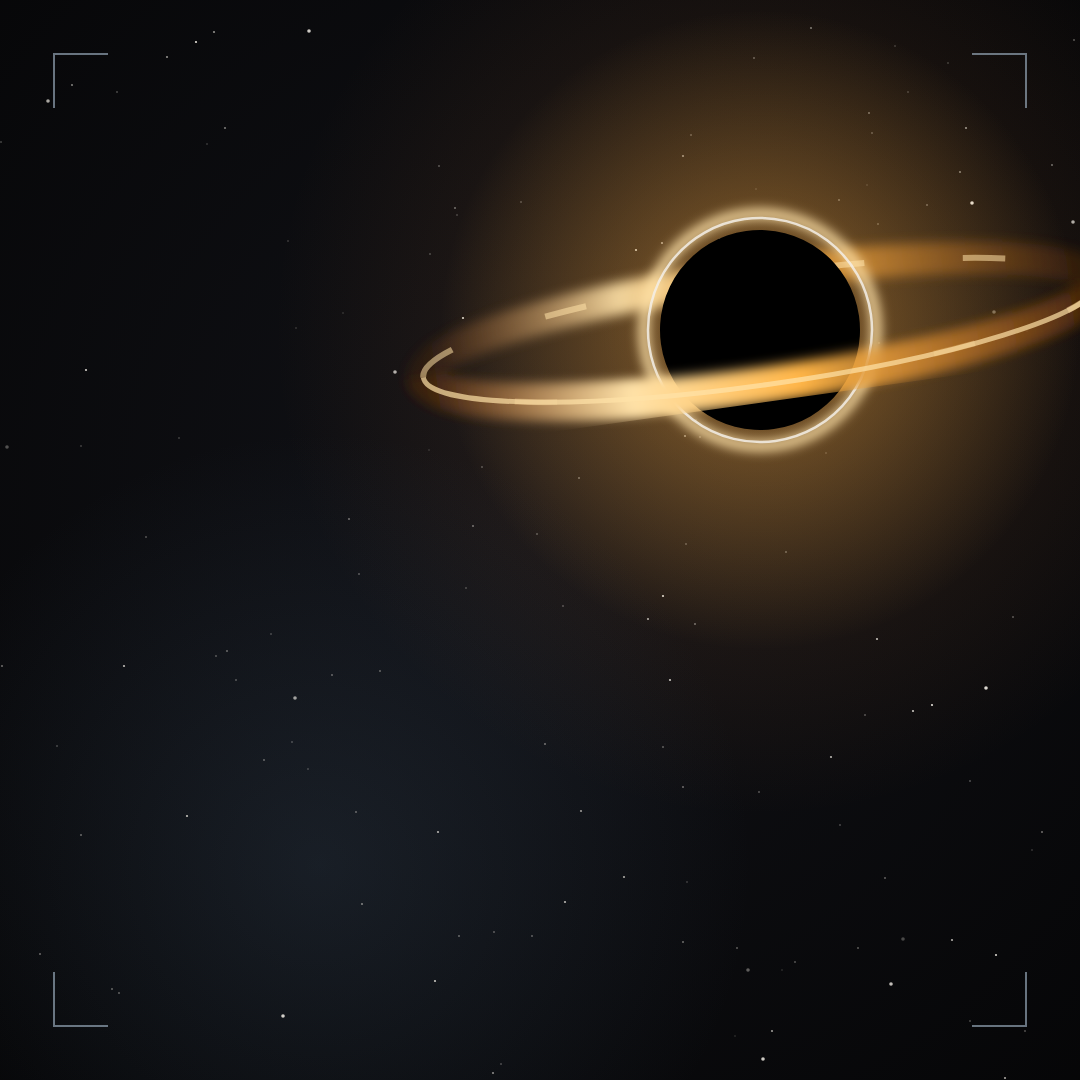
Square post
For each addon
A 400 × 400 logo for its CurseForge page and a 1280 × 320 banner for the top of its GitHub README.
-
Quest Tracker
-
Action Bars
-
Addon Config
-
Bags
-
Chat
-
Maps
-
Unit Toggles
-
MapDumper


Voice
Write like a player talking to other players: plain, friendly and clear.
- Say what changed and why it matters to the player. Write “Quests no longer vanish after a reload”, not “Resolved a quest state persistence regression”.
- Use short sentences and everyday words.
- The black hole and HUD look belongs to the art. Keep the writing warm and human.
- Only talk about what exists. Don't hint at details that aren't decided yet.
Name and tagline
Write the studio name as Nullgate Studios. The tagline is “Beyond the event horizon”.
Write the tagline in sentence case in running text, and in capitals when it's set as a label. Addon names follow the pattern Nullgate's <Name> - Forever, for example Nullgate's Quest Tracker - Forever.